
Pick a direction and speed.
Top to bottom, bottom to top, left or right. From a 4-second snap to a 20-second slow warp. Add a 3, 5 or 10-second timer to get in the shot.
Time warp scan for iPhone
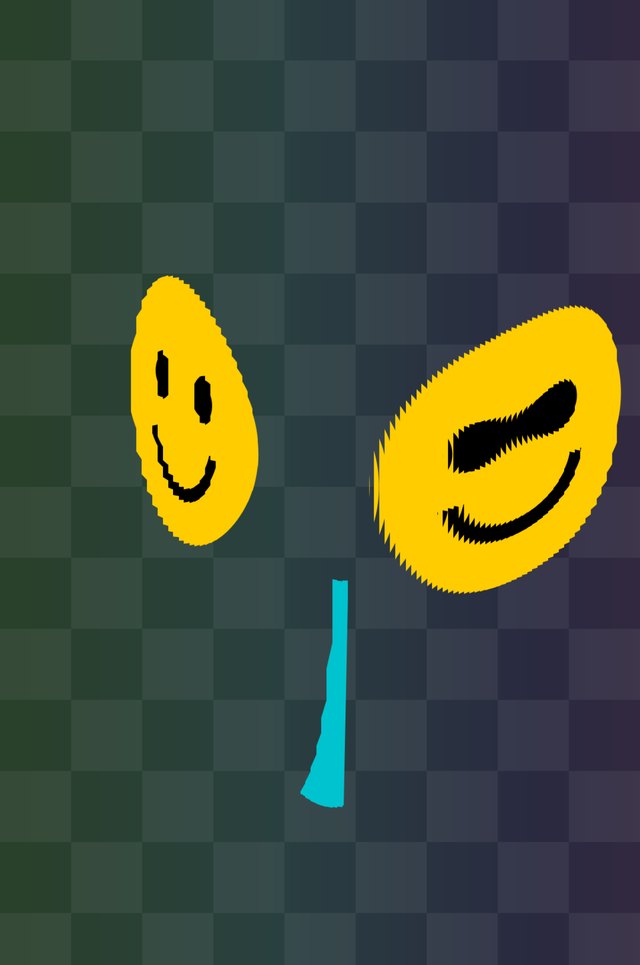
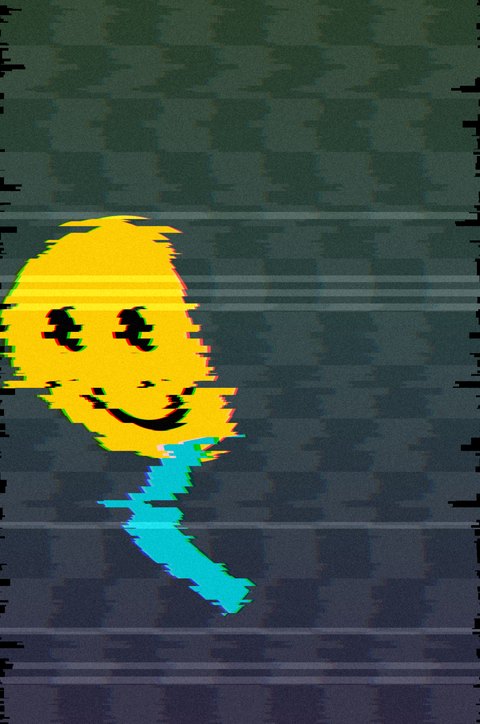
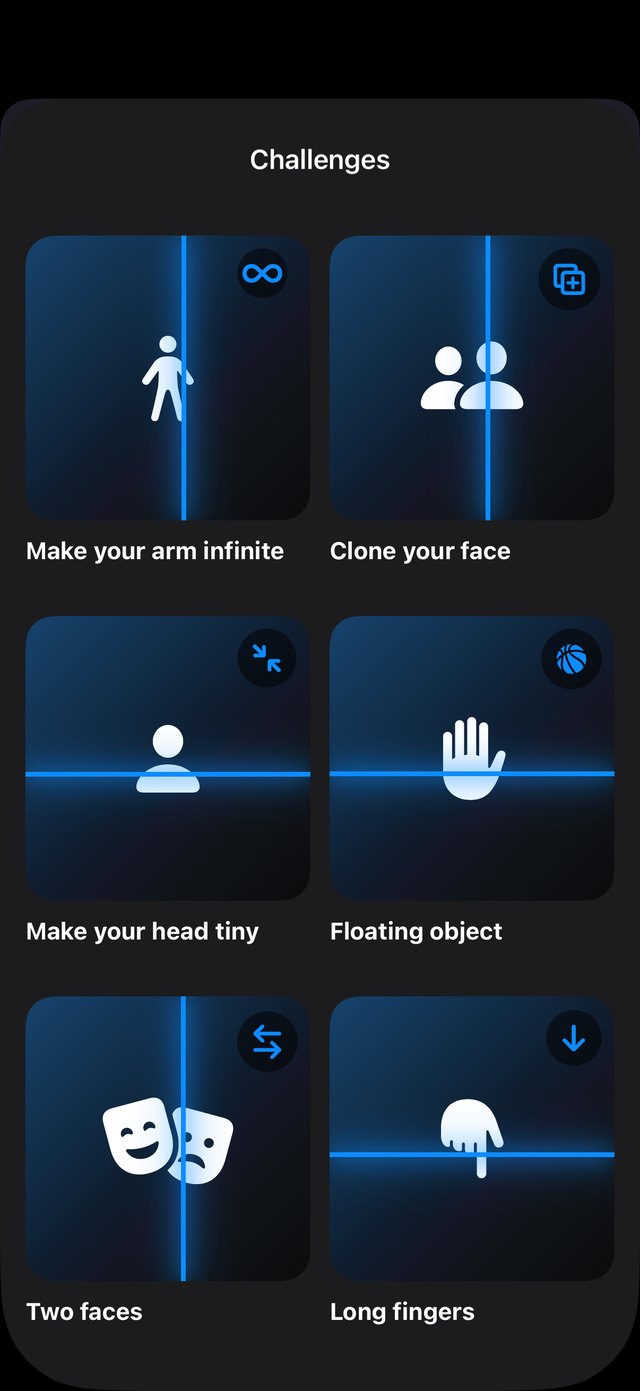
A glowing line sweeps across your camera. Everything behind it freezes, everything ahead stays live. Move while it passes and reality bends: infinite arms, tiny heads, two faces, cloned friends.
Coming soon to the App Store · For iPhone
How it works
Warpline captures the image strip by strip as the line moves. Whatever is behind the line is frozen in that moment, so anything you move afterwards appears somewhere else.
Top to bottom, bottom to top, left or right. From a 4-second snap to a 20-second slow warp. Add a 3, 5 or 10-second timer to get in the shot.
Stay ahead of the line to stretch, step behind it to clone yourself. Pause mid-scan to reposition, then carry on.
Get the final photo and a vertical 1080×1920 video of the whole warp, with sound if you want it. Save it or share it in one tap.
Four wild effects
Every effect changes how each strip is frozen, so the distortion builds up as the line moves.



Challenges
Six guided challenges show you exactly what to do. Tap TRY IT and Warpline sets the direction, speed and effect for you, then shows a hint while you scan.
Screenshots from the app.
FAQ
We’re here to help.
No. Open the app and tap START. There is no sign-up, login or profile.
Warpline is made for iPhone and needs iOS 17 or later. It works with the front and back cameras.
No. Everything is processed on your iPhone. Your scans only leave the device when you choose to share them.
The effect comes from you moving while the line passes. If the iPhone moves too, the whole frame shifts. Lean it on something steady and use the timer.
Email [email protected] and mention Warpline. For technical issues, include your iPhone model, iOS version and what happened.
Ready when you are
Warpline is coming to the App Store. Questions, ideas or press? Get in touch.